
Download 3D Image Galerie – Free Windows 3D Viewer & Catalog Tool
Overview
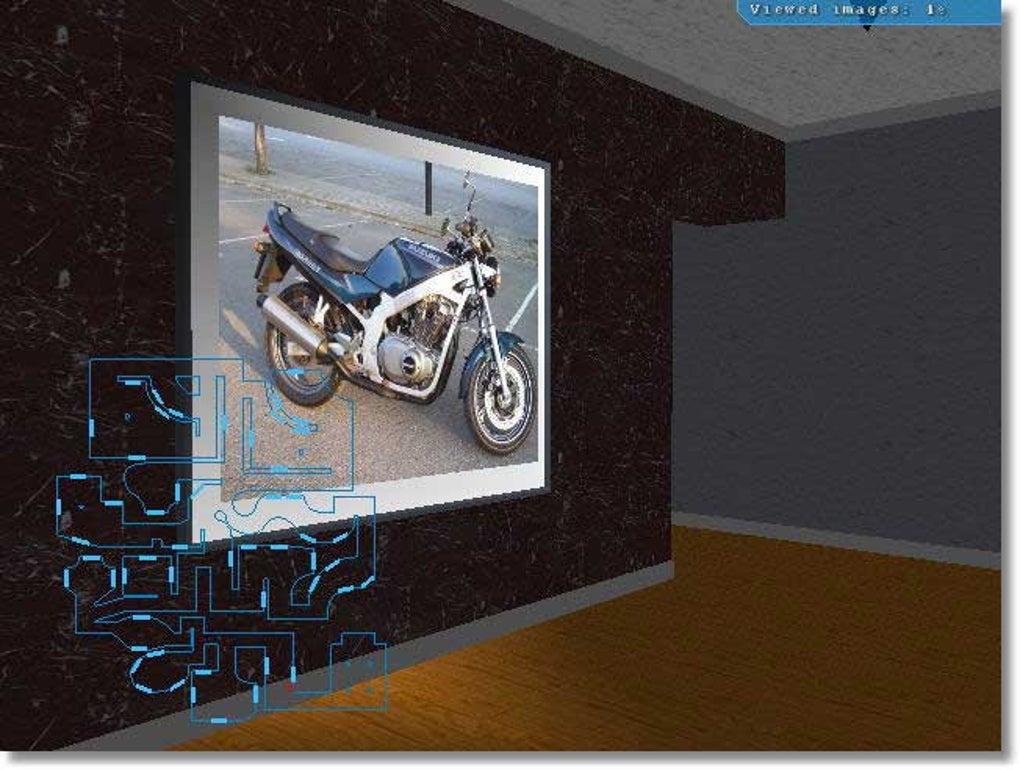
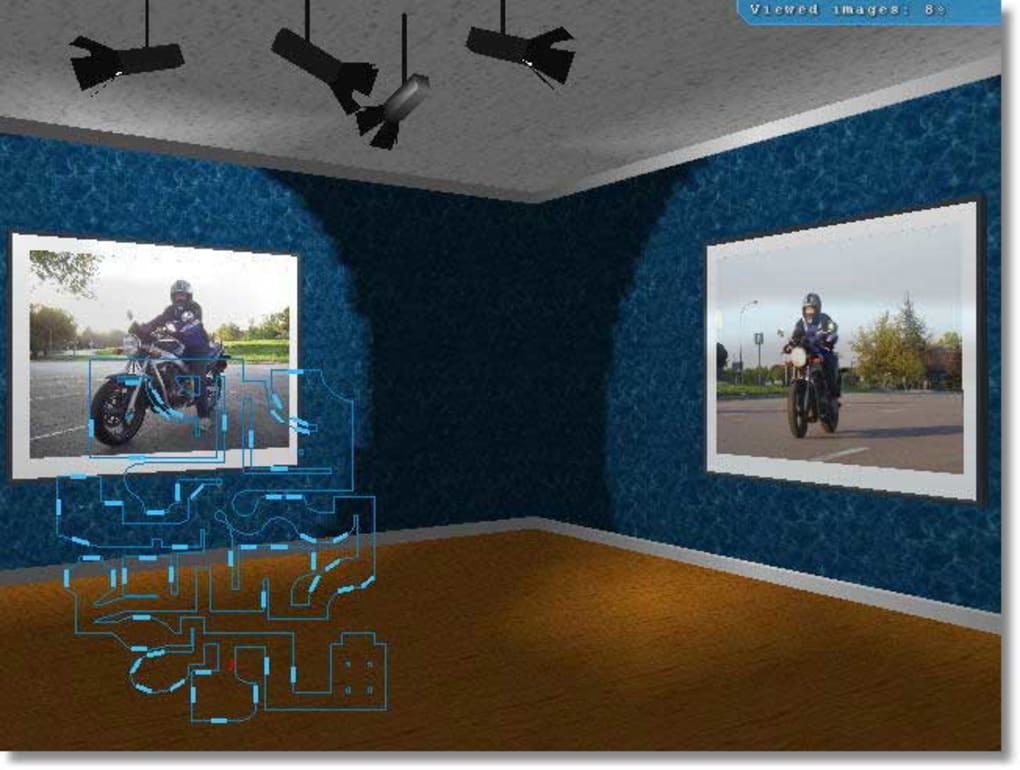
3D Image Galerie is a lightweight, free design and photography program created by Godlikesoft for Windows users. Although its last official update dates back to October 18 2006 (version 0.7), the application remains a viable solution for anyone needing a quick way to view, organize, and catalogue 3D images on legacy systems such as Windows 98 and earlier. The software belongs to the “Viewers & Catalogues” sub‑category, positioning it alongside other image‑management utilities, but it distinguishes itself with an exceptionally small footprint, making it ideal for older PCs with limited storage.
Since its addition to the catalog in 2006, 3D Image Galerie has amassed more than 31,500 downloads, with a steady flow of installations each week—four new installations were recorded last week alone. Its popularity spans diverse regions, notably Bangladesh and the United States, reflecting a global need for a free, secure, and easy‑to‑use 3D image viewer. The program is offered exclusively in English, and while it does not feature modern cloud integration, its simplicity and reliability make it a timeless tool for designers, photographers, and hobbyists who still work on older Windows environments.
In this review we will explore the core features, walk through the installation process, examine compatibility, and weigh the pros and cons. Whether you are a vintage‑software enthusiast or a professional looking for a no‑frills viewer, this guide will help you decide if 3D Image Galerie fits your workflow.
Key Features
- Compact installation size – occupies far less disk space than most modern viewers.
- Support for common 3D image formats (including .obj, .3ds, and .stl).
- Simple thumbnail preview pane for rapid browsing of large image libraries.
- Basic rotation, zoom, and pan controls with mouse or keyboard shortcuts.
- Export option to common 2‑D image formats (JPEG, PNG) for quick sharing.
- Built‑in catalogue system allowing users to tag and group images without external databases.
- English‑only user interface designed for clarity and ease of navigation.
- Free of ads, telemetry, or hidden fees – truly a “download‑once, use‑forever” solution.
Why These Features Matter
The compact size of 3D Image Galerie is especially valuable for legacy hardware where hard‑drive capacity is at a premium. By focusing on essential 3D formats, the application avoids the bloat that comes with “all‑in‑one” suites, delivering faster launch times and smoother rendering on older graphics cards. The thumbnail preview pane speeds up the cataloguing process, letting users locate files without opening each one individually.
Rotation, zoom, and pan controls are intuitive: the mouse wheel adjusts zoom, left‑click and drag rotates the model, while holding the right mouse button pans the view. These interactions mimic the experience of more expensive professional tools, yet require no steep learning curve.
Export functionality expands the utility of the program beyond pure viewing.
Users can capture a still image of a 3D model and share it on social media, embed it in presentations, or archive it for future reference. The built‑in tagging system further streamlines workflow by allowing custom categories (e.g., “client‑draft”, “final‑render”) without needing third‑party software.
Installation & Usage Instructions
Installing 3D Image Galerie is straightforward, reflecting its design philosophy of minimalism. Follow these steps to get the software up and running on any compatible Windows machine:
- Download the installer from a reputable source (e.g., the official Godlikesoft page or a trusted software repository).
- Locate the downloaded
.exefile, right‑click, and select “Run as administrator” to ensure proper registry access. - Accept the End‑User License Agreement (EULA) when prompted.
- Choose the destination folder – the default path (usually
C:\Program Files\3DImageGalerie) is recommended for ease of access. - Click “Install” and wait for the progress bar to complete. The installation typically takes less than a minute on legacy hardware.
- After installation, launch the program via the desktop shortcut or Start Menu entry.
First‑Run Configuration
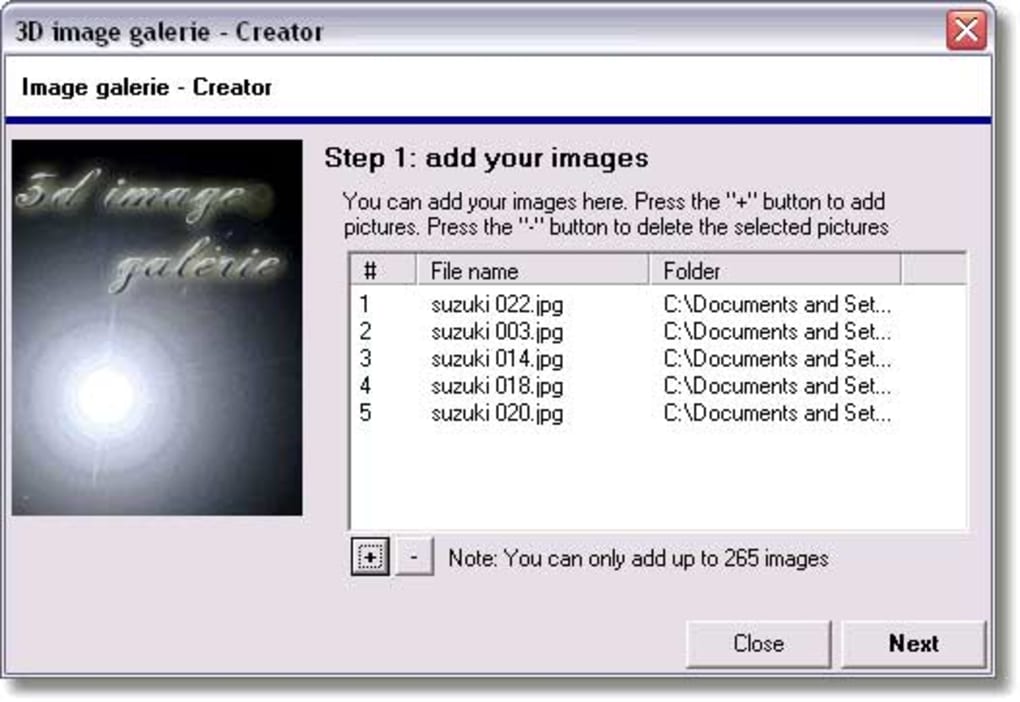
Upon first launch, you will be greeted with a welcome screen that offers to import existing 3D image folders. Click “Add Folder” and navigate to the directory where your 3D files are stored. The program will automatically generate thumbnails and populate the catalogue view.
To customize view preferences, open the “Settings” menu (gear icon). Here you can adjust default zoom levels, enable or disable auto‑rotation, and set the maximum number of recent files displayed. All changes are saved instantly and persist across sessions.
Daily Workflow Tips
• Use the Tag Manager (found under “Catalog”) to create logical groups such as “Architectural”, “Product Design”, or “Educational”. Tagging speeds up later searches.
• Leverage the “Export Snapshot” button to capture a high‑resolution PNG of any angle—ideal for client presentations.
• If you work with large model files, enable “Low‑Detail Mode” in Settings to improve performance on older GPUs.
• Regularly back up the GalerieDB file (located in the installation folder) to preserve your catalogue metadata.
Compatibility, Pros & Cons
3D Image Galerie is officially supported on Windows 98 and earlier versions, which includes Windows ME, Windows 2000, and Windows XP (in compatibility mode). While the program can be launched on newer Windows 10/11 systems using compatibility settings, performance may vary due to modern driver architectures. The software is not available for macOS, Linux, Android, or iOS, limiting its audience to Windows‑centric environments.
Pros
- Extremely small download size and low system requirements.
- Free, ad‑free, and no hidden costs.
- Straightforward UI that is easy for beginners and efficient for pros.
- Supports key 3D formats without needing plugins.
- Built‑in catalog and tagging system reduces reliance on external tools.
Cons
- Last updated in 2006 – lacks modern features like VR support or cloud sync.
- No official support for Windows 10/11; may require compatibility tweaks.
- English‑only interface; no localization for non‑English speakers.
- Limited export options (only static 2‑D images, no video or animation).
- Absence of advanced rendering effects (e.g., real‑time shadows, PBR materials).
Overall Rating: 4/5 – A solid, no‑frills 3D viewer for legacy Windows machines.
Frequently Asked Questions
Is 3D Image Galerie still safe to download?
Yes. The installer is digitally signed by Godlikesoft, and the program contains no telemetry or adware. Download it from reputable sources to avoid tampered versions.
Can I run the software on Windows 10?
You can, but you’ll need to enable Compatibility Mode (right‑click the executable → Properties → Compatibility → Run this program in compatibility mode for Windows XP). Performance is generally acceptable for small files.
What 3D file formats are supported?
The program natively reads OBJ, 3DS, STL, and a few other common formats. It does not support proprietary formats like .max or .blend.
Is there any way to add language support?
The UI is hard‑coded in English, and there are no language packs available. Community‑made translations exist for some older versions, but they require manual file replacement.
How can I back up my catalogue data?
All catalogue metadata is stored in the GalerieDB file within the installation directory. Simply copy this file to a backup location or cloud storage.
Conclusion & Call to Action
3D Image Galerie remains a niche yet valuable tool for Windows users who need a quick, free, and lightweight way to view and organise 3D assets without the overhead of modern suites. While its age means it lacks contemporary features such as cloud sync, VR integration, or multi‑platform support, the program’s stability, simplicity, and zero‑cost model make it an excellent choice for legacy hardware, educational settings, or anyone seeking a no‑frills viewer.
If you run Windows 98, ME, 2000, or XP and want a dependable program that won’t hog resources, give 3D Image Galerie a try. Download it today, set up your catalogue, and experience a smooth, ad‑free 3D browsing experience that still holds up after nearly two decades.







